



Published
January 8, 2026
In Webflow's blockquote elements, there is no easy way to create clean paragraphs within the blockquote.
You can force line breaks with SHIFT+ENTER SHIFT+ENTER, but you'll get a full-size blank line between the paragraphs. This can't easily be styled with CSS for two reasons;
- Browsers see
as a null element, which doesn't render CSS content. - The entire content of Webflow's blockquote is a text fragment, not an element
A simpler approach
What we were after was a way to create paragraph like separation in blockquotes;
- That works in both richtext blockquotes and standalone blockquotes
- That works in the Designer, and in the published site- meaning no Javascript
The text approach we've found is to create multiple adjacent Blockquote elements in your page or richtext, and then style them so that they appear merged.
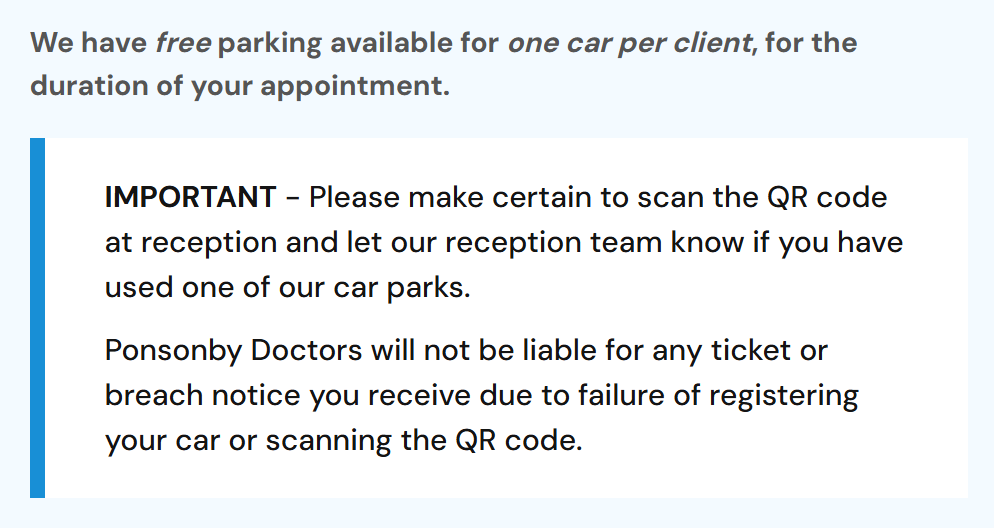
Here's example CSS that adjusts the padding and margins to correctly handle both single and multiple sequences of blockquotes in a visually merged fashion.
<style>
.w-richtext blockquote {
  margin: 0;
  padding-bottom: 12px;
}
.w-richtext blockquote + blockquote {
  padding-top: 0;
}
.w-richtext blockquote:not(:has(+ blockquote)) {
  padding-bottom: 24px;
  margin-bottom: 40px;
}
</style>
